Shaders can adjust the positions of the vertices of shapes. This lets you distort and animate 3D models.

Adjusting Positions with a Shader (GLSL): Created by Dave Pagurek. Edited and maintained by p5.js Contributors and Processing Foundation. Licensed under CC BY-NC-SA 4.0.
You can find the code history of these examples here: 2023 code. You can suggest improvements by contributing to the current website!
Related Examples

A screenshot of a video of a city crosswalk, with offset colors.
Filter Shader (p5.strands)
Manipulate imagery with a shader, written in p5.strands.
A screenshot of a video of a city crosswalk, with offset colors.
Filter Shader (GLSL)
Manipulate imagery with a shader, using GLSL.

A red-to-blue waving ribbon on a white background.
Adjusting Positions with a Shader (p5.strands)
Use a shader to adjust shape vertices, written in p5.strands.
A red-to-blue waving ribbon on a white background.
Adjusting Positions with a Shader (GLSL)
Use a shader to adjust shape vertices, using GLSL.
A gradient from red to blue.
Gradient (p5.strands)
Draw a radial gradient between two points in p5.strands.
A dithered gradient from red to blue.
Dithered Gradient (p5.strands)
Draw a dithered radial gradient between two points in p5.strands.

A row of five orange spheres. The closest and farthest spheres from the camera appear blurred.
Depth Blur (p5.strands)
Simulate a camera's depth of field, with a shader written in p5.strands.
A row of five orange spheres. The closest and farthest spheres from the camera appear blurred.
Depth Blur (GLSL)
Simulate a camera's depth of field, written in GLSL.
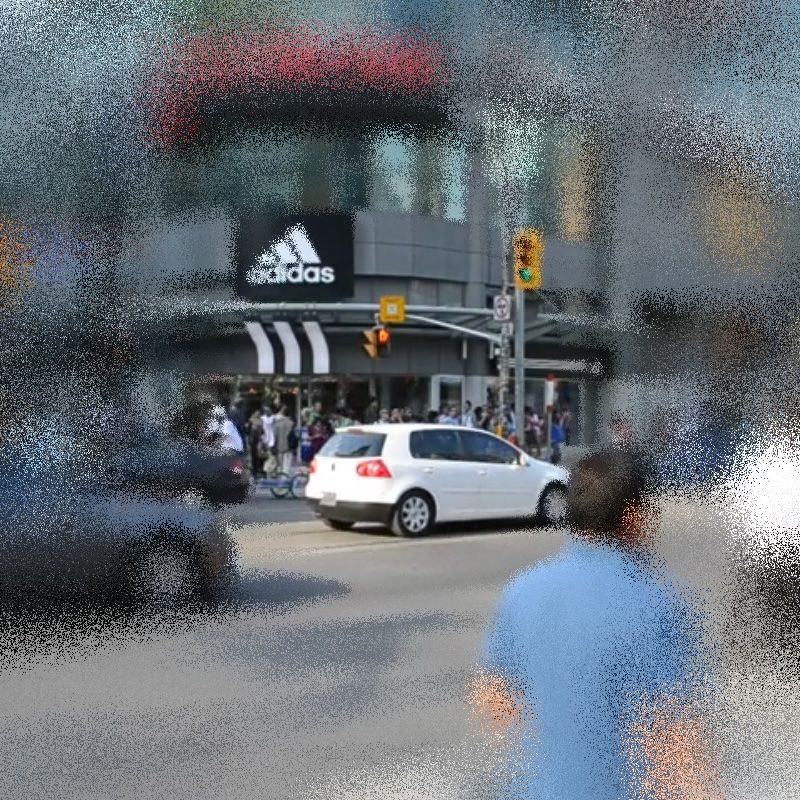
A city scene blurred around the edges of the frame
Variable Blur (p5.strands)
Create a blur shader with a different amount of blur at different parts of the canvas.