The shader in this example uses depth information from a p5.Framebuffer to apply a blur. On a real camera, objects appear blurred if they are closer or farther than the lens’s focus. This simulates that effect. First, the sketch renders five spheres to the framebuffer. Then, it renders the framebuffer to the canvas and applies the blur shader, which is written in p5.strands.

Depth Blur (p5.strands): Created by Dave Pagurek. Revised by Caleb Foss. Remixed by Dave Pagurek. From 2026 onwards, edited and maintained by p5.js Contributors and Processing Foundation. Licensed under CC BY-NC-SA 4.0.
You can find the code history of these examples here: pre-2023 example, 2023 code, 2026 p5.strands translation. You can suggest improvements by contributing to the current website!
संबंधित उदाहरण

No alt text
फ़िल्टर शेडर (p5.strands)
शेडर के साथ इमेजरी में हेरफेर करें।
No alt text
फ़िल्टर शेडर (GLSL)
शेडर के साथ इमेजरी में हेरफेर करें।

No alt text
शेडर के साथ स्थितियों को समायोजित करना (p5.strands)
आकार के शीर्षों को समायोजित करने के लिए शेडर का उपयोग करें।
No alt text
शेडर के साथ स्थितियों को समायोजित करना (GLSL)
आकार के शीर्षों को समायोजित करने के लिए शेडर का उपयोग करें।

No alt text
फ़्रेमबफ़र धुंधला
कैमरे के क्षेत्र की गहराई का अनुकरण करें।
A gradient from red to blue.
Gradient (p5.strands)
Draw a radial gradient between two points in p5.strands.
A dithered gradient from red to blue.
Dithered Gradient (p5.strands)
Draw a dithered radial gradient between two points in p5.strands.
A row of five orange spheres. The closest and farthest spheres from the camera appear blurred.
Depth Blur (p5.strands)
Simulate a camera's depth of field, with a shader written in p5.strands.
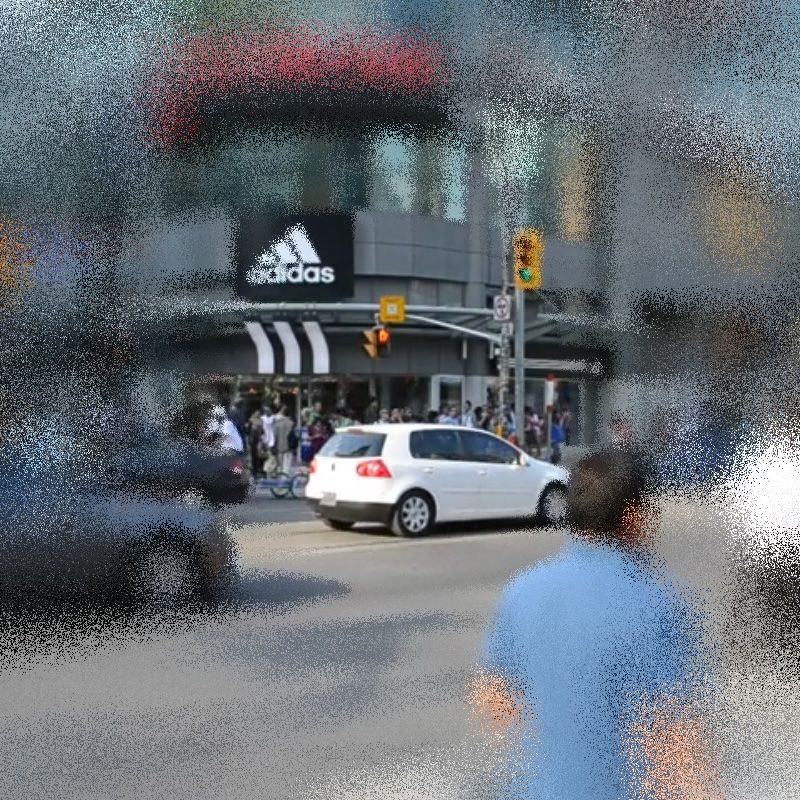
A city scene blurred around the edges of the frame
Variable Blur (p5.strands)
Create a blur shader with a different amount of blur at different parts of the canvas.