이 예제에서 사용하는 셰이더는 p5.Framebuffer로부터의 깊이 정보를 사용하여 흐림 효과를 적용합니다. 실제 카메라에서, 렌즈의 초점보다 가깝거나 멀리있는 물체는 흐릿하게 보입니다. 이는 그 효과를 모방합니다. 먼저, 스케치는 프레임버퍼에 다섯 개의 구체를 렌더링합니다. 그 다음, 흐림 셰이더를 사용하여 프레임버퍼를 캔버스에 렌더링합니다.

프레임버퍼 흐림(Framebuffer Blur): Created by Dave Pagurek. Revised by Caleb Foss. Edited and maintained by p5.js Contributors and Processing Foundation. Licensed under CC BY-NC-SA 4.0.
You can find the code history of these examples here: pre-2023 example, 2023 code. You can suggest improvements by contributing to the current website!
관련 예제

대체 텍스트 없음
필터 셰이더(Filter Shader) (p5.strands)
셰이더로 이미지를 조작합니다.
대체 텍스트 없음
필터 셰이더(Filter Shader) (GLSL)
셰이더로 이미지를 조작합니다.

대체 텍스트 없음
셰이더로 위치 조정하기 (p5.strands)
셰이더를 사용하여 도형의 정점을 조정합니다.
대체 텍스트 없음
셰이더로 위치 조정하기 (GLSL)
셰이더를 사용하여 도형의 정점을 조정합니다.

대체 텍스트 없음
프레임버퍼 흐림(Framebuffer Blur)
카메라의 심도(depth of field)를 시뮬레이션합니다.
A gradient from red to blue.
Gradient (p5.strands)
Draw a radial gradient between two points in p5.strands.
A dithered gradient from red to blue.
Dithered Gradient (p5.strands)
Draw a dithered radial gradient between two points in p5.strands.
A row of five orange spheres. The closest and farthest spheres from the camera appear blurred.
Depth Blur (p5.strands)
Simulate a camera's depth of field, with a shader written in p5.strands.
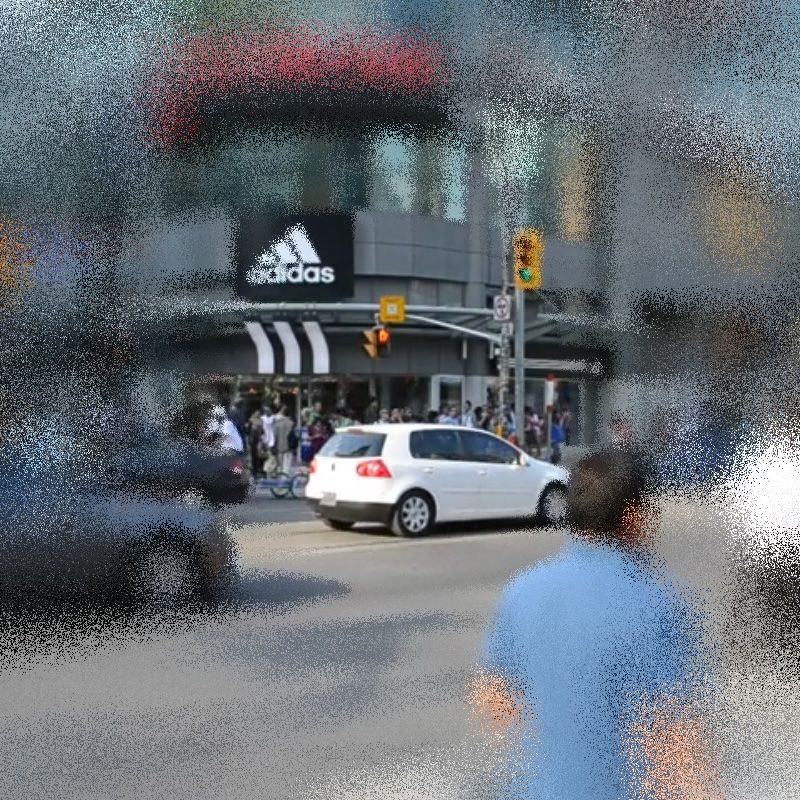
A city scene blurred around the edges of the frame
Variable Blur (p5.strands)
Create a blur shader with a different amount of blur at different parts of the canvas.