这个示例中的 着色器 利用来自 p5.Framebuffer 的深度信息来应用模糊效果。在真实的摄像头上,如果物体比镜头的焦点更近或更远,它们会显得模糊。这里模拟了这种效果。首先,绘图将五个球体渲染到帧缓冲区内。然后,它使用模糊着色器将帧缓冲区渲染到画布上。

帧缓冲区模糊: Created by Dave Pagurek. Revised by Caleb Foss. Edited and maintained by p5.js Contributors and Processing Foundation. Licensed under CC BY-NC-SA 4.0.
You can find the code history of these examples here: pre-2023 example, 2023 code. You can suggest improvements by contributing to the current website!
相关示例

无替代文本
滤镜着色器 (p5.strands)
用着色器处理图像。
无替代文本
滤镜着色器 (GLSL)
用着色器处理图像。

无替代文本
用着色器调整位置 (p5.strands)
使用着色器调整形状顶点。
无替代文本
用着色器调整位置 (GLSL)
使用着色器调整形状顶点。

无替代文本
帧缓冲区模糊
模拟相机的景深效果。

A gradient from red to blue.
Gradient (p5.strands)
Draw a radial gradient between two points in p5.strands.
A dithered gradient from red to blue.
Dithered Gradient (p5.strands)
Draw a dithered radial gradient between two points in p5.strands.
A row of five orange spheres. The closest and farthest spheres from the camera appear blurred.
Depth Blur (p5.strands)
Simulate a camera's depth of field, with a shader written in p5.strands.
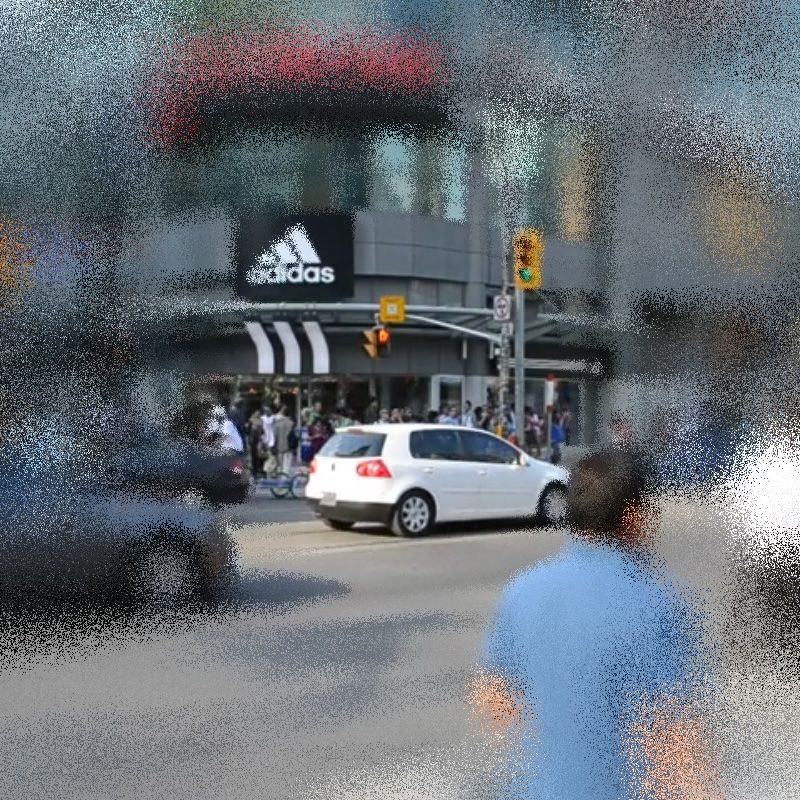
A city scene blurred around the edges of the frame
Variable Blur (p5.strands)
Create a blur shader with a different amount of blur at different parts of the canvas.